No, not the one supplying the ISS but one which supplies the fantasy and dreams of children here in Berlin – but step by step.
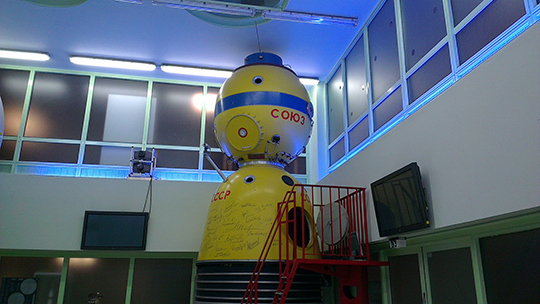
This spring, Robert came to us to buy a Fritzing Starter Kit. I asked him what he is up to do with it and he told me that he plans to build a space simulator here at the FEZ in Berlin.
The FEZ is a center for children to explore, play and interact. The people there own a soyuz capsule which should become more interactive. Wow! What a task.
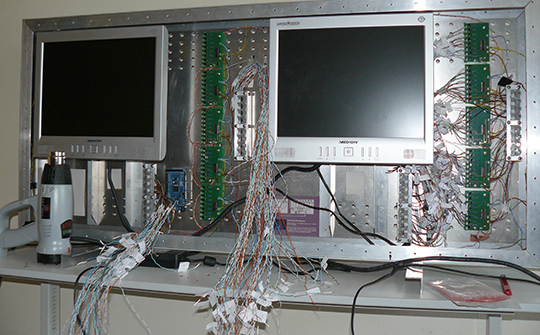
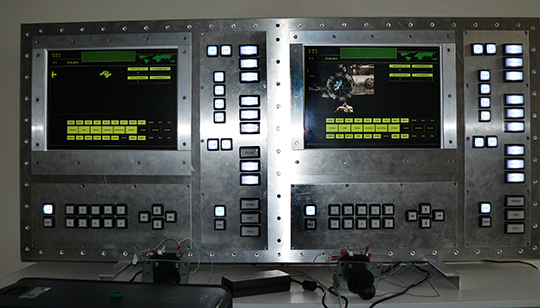
Now he emailed the first pictures. He created a simulator where children have to prepare the space ship for the flight, find the international space station and perform the docking procedure.
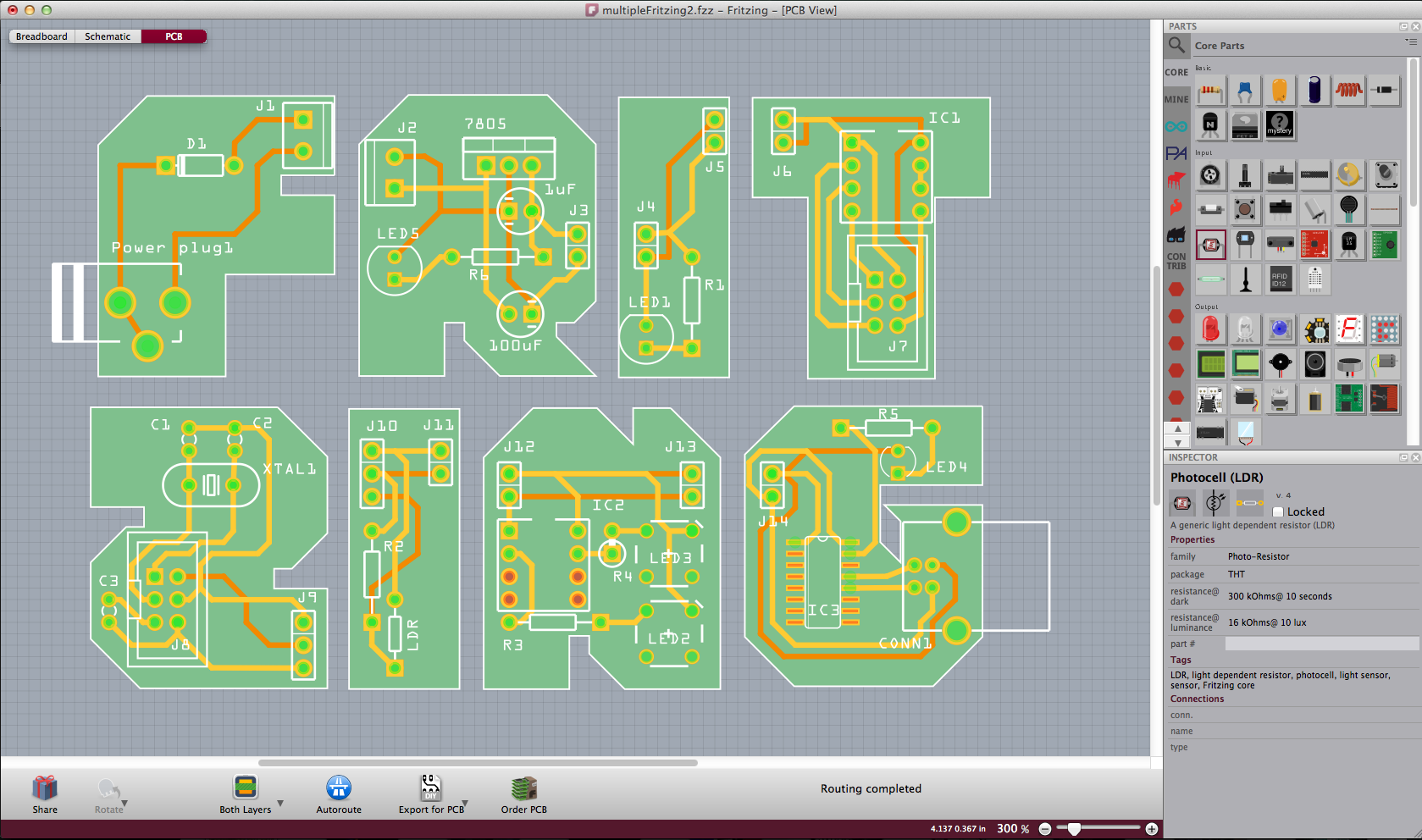
Robert used Fritzing to layout all the PCBs! The final version consists of the two monitors, two Arduino Megas, 26 buttons, 38 signal lights and two joysticks. The simulator software is written in C#.
Fritzing is looking for a COO - however we need somebody who is fluent in German, therefore is the job ad in German. Sorry, guys!
Für unser Projekt „Fritzing“ suchen wir eine Person, die im Amerikanischen vielleicht „Chief Operating Officer (COO)“ genannt werden würde:
Du sollst vor allem den Shop und die Produktion (im Moment die Bestückung unserer Kits) managen, Fritzing-Fab organisieren, das Controlling des gesamten Fritzing-Abenteuers übernehmen und natürlich gemeinsam mit dem Team das Projekt weiterentwickeln. Daneben sollst Du die Buchhaltung in enger Zusammenarbeit mit dem Steuerberater vorbereiten.
Wir planen außerdem einige neue Formen der Zusammenarbeit mit unseren Nutzern, wie beispielsweise Mitgliedschaften oder Spenden – auch hierfür sollst Du den administrativen Hut aufhaben.
Da Fritzing ein deutsches Abenteuer ist, suchen wir jemanden, der sich mit deutscher Buchhaltung auskennt, aber dennoch in Geiste international ist! Die meisten unserer Nutzer leben nicht in Deutschland leben (hauptsächlich USA); daher wäre es wichtig, dass Du gut Englisch kannst.
Da Fritzing rechtlich als Verein aufgestellt ist, wäre es nicht schlecht, wenn Du etwas Erfahrung mit Vereinsrecht hättest. Ist aber nicht so wichtig…!
Für 2012 planen wir die Stelle mit 60%, wollen aber langfristig auf 80% steigern.
(80% ist Teil unserer Philosophie - bitte schaue hier und Part-Time nach:
https://www.ixds.de/about/working-at-ixds/)
We are happy to present our new Fritzing release 0.7.5. It has a bunch of new features including the ability to have multiple PCBs in one sketch, using a brand new Arduino-Mega shield layout, new generic double row pin headers and much more.
Thanks to Alexander for translating Fritzing into Greek and to Josef for the Czech translation update.
If you don‘t know Fritzing by now:
With the Fritzing environment you can learn about and work with interactive electronics. We provide tutorials and our Fritzing software to support you and your project. Using the Fritzing software you can create PCB layouts as easily as drawing a line.
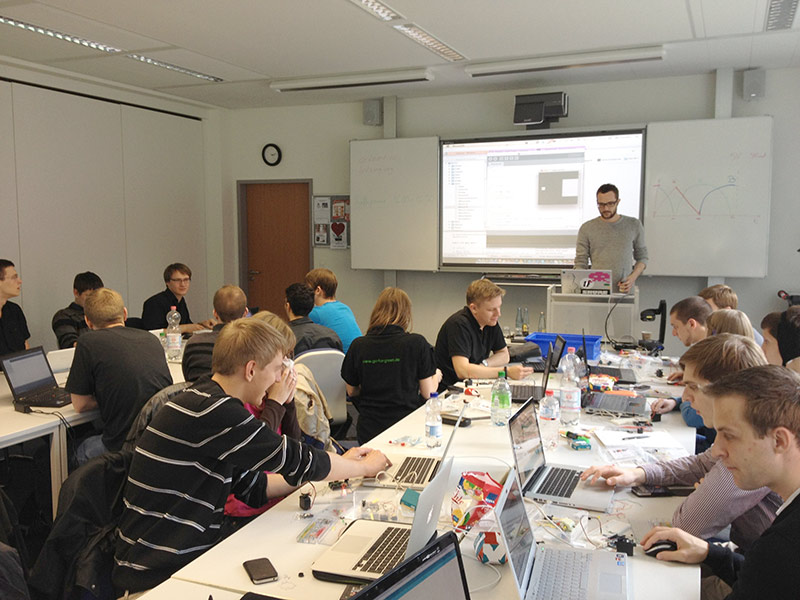
This year, we were invited again by our dear friend Martin Hieronymus to teach the basics of Arduino and Physical Computing at the Nordakademie in Elmshorn near Hamburg.
The weekend workshop as usual started with the basics: Digital Out and In, Analog Out and In and serial communication. In the afternoon, we showed them how to make PCBs with Fritzing. On the second day, the students got together in teams and had to work on a set of topics: music, environment, home, alarm clocks, toys, social network or car. At the end of the day, each group had a fully working prototype ready to present.
One group for example invented a game in which players have to jump to a randomly selected place to hit a button - or have to be the second to do so. Another group came up with a beer mat, which monitors not only if the beer gets empty, but also if it becomes to warm.
It was interesting to see how different groups handle tasks in different ways. Find the pictures in our Flickr-Pool.
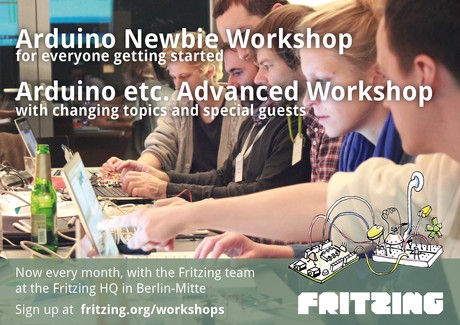
Since March, we have been giving Arduino Beginner Workshops here at the
Fritzing HQ in Berlin Mitte. In two weeks, we will have the first
“Arduino etc. Advanced Workshop”. We are very excited and happy to have
the opportunity to go a step further.
The topic this time will be »Making a PCB«. So if you have a project
and you want to learn how to make a PCB out of it and what else you
have to know – sign up!