Fritzing 1.0.7 brings native Apple Silicon support, a major Qt framework upgrade, improved performance, and a massive expansion of our Adafruit parts library.
What’s New
Native Apple Silicon Support
Mac users with Apple Silicon (M1 - M5) can now run Fritzing natively without Rosetta translation. This brings significantly improved performance and better energy efficiency on modern Macs. Whether you’re working on a MacBook Air or a Mac Studio, you’ll experience faster launches, smoother interactions, and cooler operation.
Qt 6.8.3 Framework Upgrade
We’ve upgraded the underlying Qt framework from 6.5.3 to 6.8.3. This was a significant effort that required fixing copper fill rendering, font rendering issues, and various compatibility adjustments. The upgrade brings better platform integration, improved text rendering, and numerous upstream fixes.
Part icons are now loaded from the database with lazy SVG loading and an in-memory cache. This means faster startup times and smoother scrolling through parts bins, especially noticeable with our growing parts library.
Expanded Adafruit Parts Library
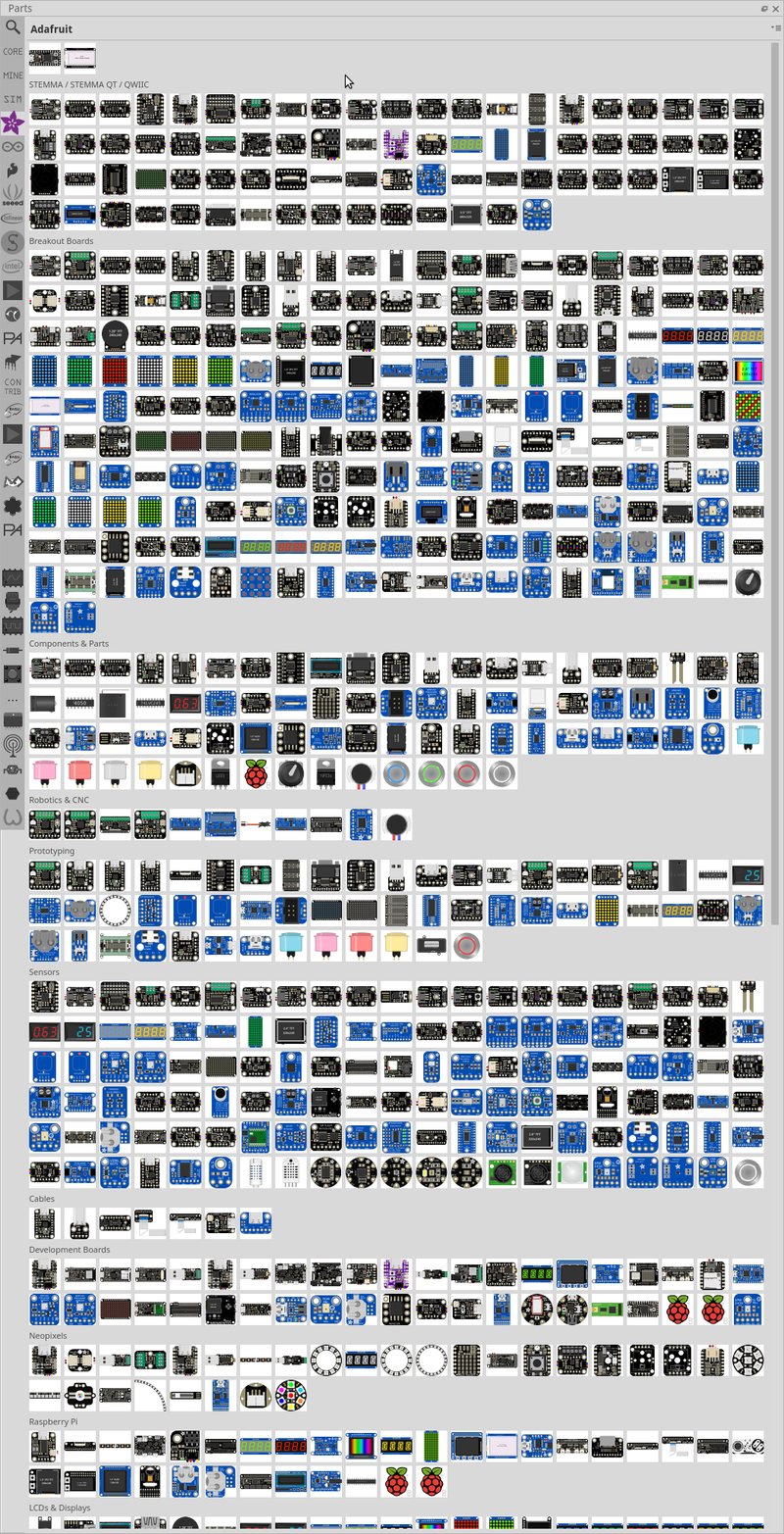
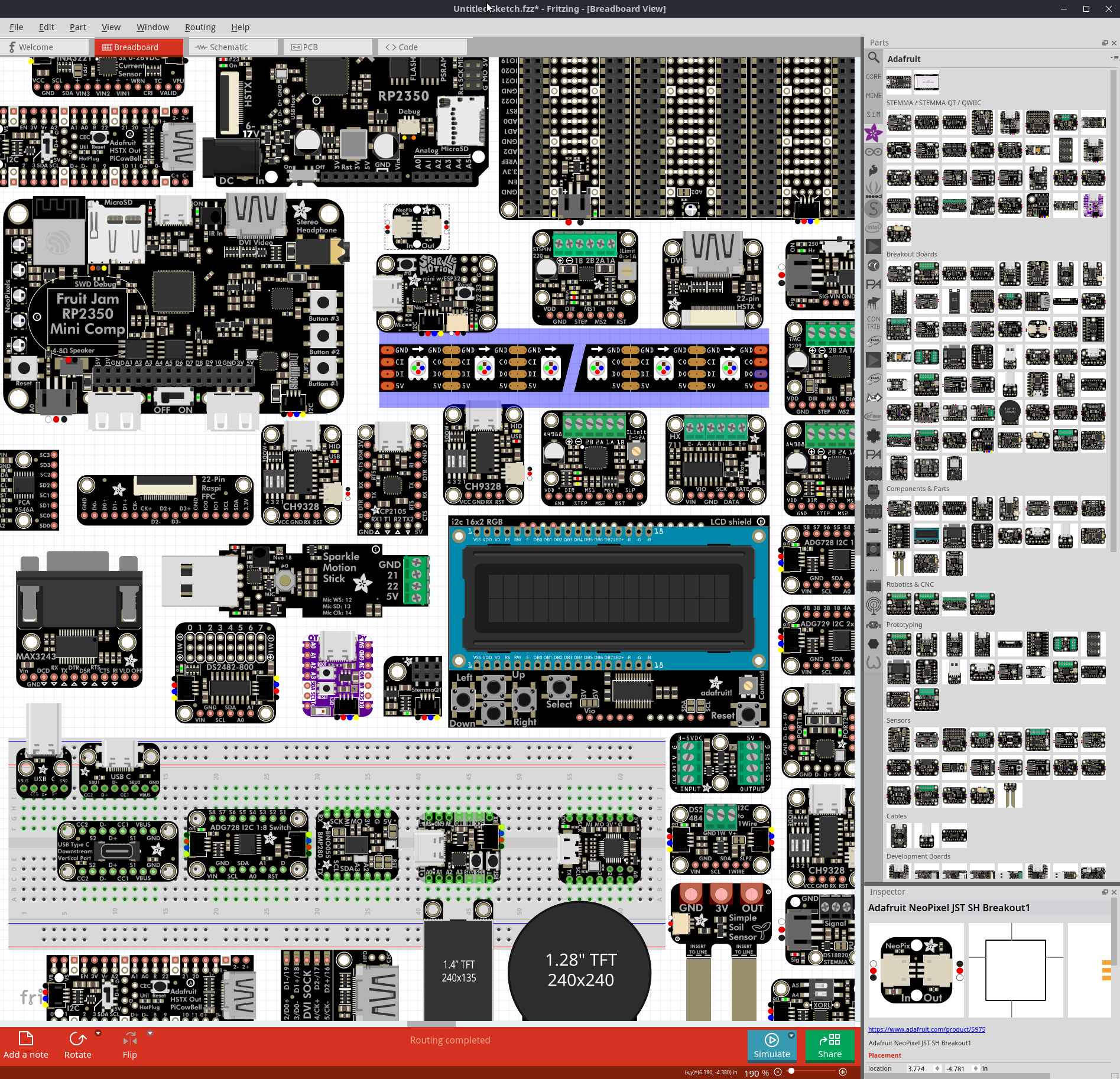
We’ve imported around 300 additional Adafruit parts, further expanding the dedicated Adafruit parts bin introduced in 1.0.6.
These are too many parts to fit into a single screenshot, here it is anyways:
Bug Fixes and Improvements
PCB and Routing
- Fixed copper fill and ground fill not working #4281
- Fixed multiple traces being treated as one when connected in series #4290
- Fixed duplicate aperture in Gerber contour files #4296
Rendering and Fonts
- Fixed font rendering appearing blurred or bold #4282
- Fixed schematic net label width broken with Droid Sans font #4300
- Fixed notes line spacing and font size
- Updated OCR-Fritzing-mono font with ground, celsius, and fahrenheit glyphs
Parts and Editor
- Fixed Parts Editor “Close without saving” and “Keep working” buttons being reversed #4297
- Obsolete parts no longer appear in the inspector swap combobox
- Capacitance values are preserved when migrating obsolete capacitors
- User parts now stored in organized subfolders by module ID #4188
Stability
- Fixed crash on drag and drop with invalid mime data
- Fixed potential data loss when saving sketches on macOS
- Fixed segfault caused by null cursor and empty view checks
- Improved error messages for misbundled sketch files
Other
- Recent file list preserved across version upgrades
- Full paths no longer stored in sketch files, improving portability and privacy
- Added generic small 6V solar panel
- Updated translations for German, French, Spanish, Japanese, Italian, and Portuguese
OS Requirements
- macOS: Big Sur (11) or later, native Apple Silicon and Intel support
- Windows: Windows 10 64-bit or later
- Linux: Ubuntu 22.04 or later (glibc 2.35+)
The release is available in our downloads section. We recommend all users upgrade to benefit from the stability and performance improvements.
The Fritzing 1.0.6 release is focused on stability, performance improvements, and the parts library.
We tested it on Windows 11 25H2, Windows 11 24H2 (ARM and Intel), macOS Tahoe, macOS Sequoia, macOS Ventura, Fedora 42, Debian 13.1.0, Manjaro KDE 25.0.9, Mint 22.2 Mate, Ubuntu 22.04, Ubuntu 24.04, and Ubuntu 25.10.
What’s New
Adafruit Parts Bin
We’re excited to introduce a dedicated Adafruit parts bin featuring 83 carefully curated components from our friends at Adafruit. This collection includes many of the most popular maker-friendly parts that the community loves - from sensors and displays to breakout boards and development modules. Having these parts readily available in Fritzing makes it even easier to prototype your next project with components you can actually buy and build with.
Generic IC Improvements
Did you know Fritzing has generic ICs? Many users overlook this powerful feature that lets you create custom integrated circuits for any chip you need. In this release, we’ve made some incremental improvements to make them even more useful:
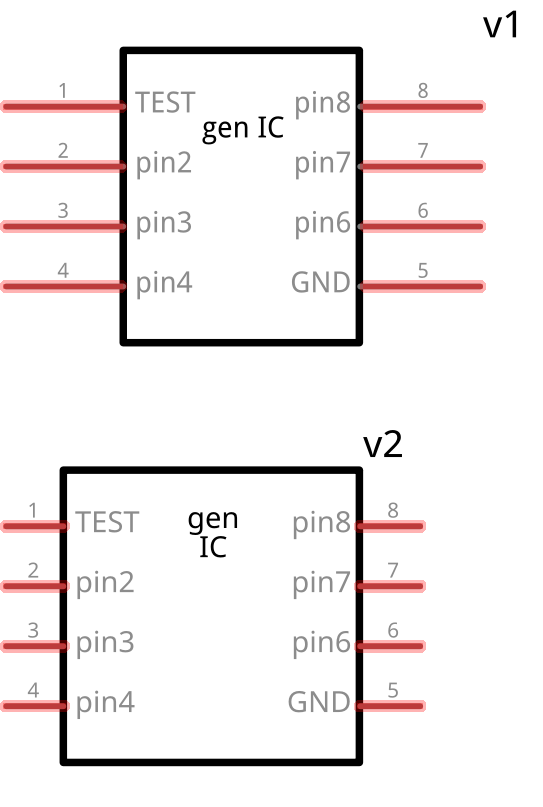
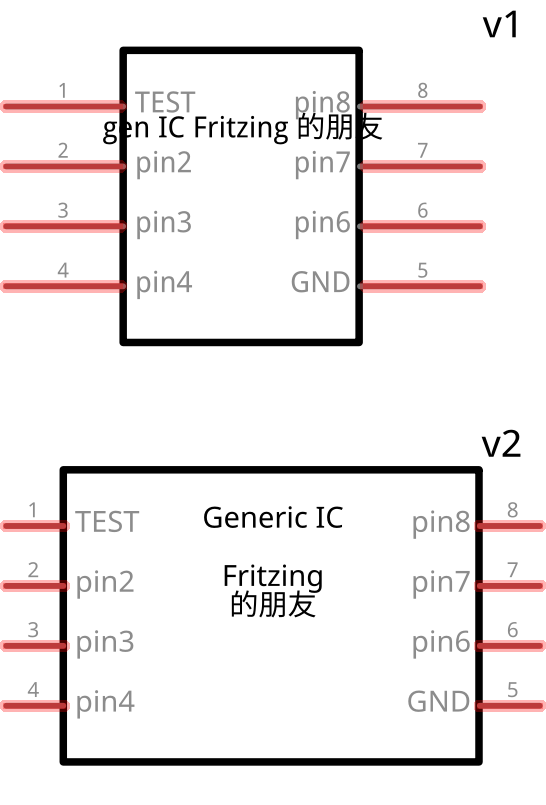
The generic IC now supports multiline labels and uses our improved font system (Noto Sans + OCR-Fritzing-mono) for better readability. We’ve also standardized the pin spacing to 1 unit in schematic view and improved text wrapping that automatically breaks at spaces and newlines while respecting non-breaking spaces.
The component also respects non-breaking whitespaces (U+00A0 and U+202F) for precise text formatting control.
Work in progress: We’re overhauling the package switching system for this component - more improvements coming soon!
We’ve implemented several behind-the-scenes optimizations that make Fritzing noticeably more responsive. Whether you’re working with complex multi-board projects or browsing through large parts databases, you’ll experience smoother interactions and faster load times throughout the application.
Bug Fixes and Improvements
Parts and Components
User Interface
- Fixed straightening lines disabled in schematic view
- Resolved error messages being too large to close
- Improved center-to-screen (Ctrl+0) functionality
- Fixed dark mode font color inconsistencies in upload screen
- Fixed splash screen vanishing when clicked on Windows
- Improved metadata editor with proper labels #3996
- Resolved issues with off-grid component movement on PCB view #4196
- Improved pad selection behavior in PCB view
Ground Fill and Copper Fill
- Fixed ground fill adding shorts across power supplies #4254
- Added warnings when ground fill can’t connect due to no path #4226
- Improved ground fill split detection and warnings
Export and File Handling
- Fixed IPC netlist issues with buses and switches
- Improved Gerber export is now enabled by default
- Fixed PNP export random ordering
Others
- Fixed incorrect version display #4244
- Hide obsolete parts in the search #4151
OS Requirements
- The minimum macOS version is Big Sur
- Windows 10 or 11 are supported on x86 CPUs
- Windows 11 (24H2 and later) is supported on x86 and ARM CPUs
- For Linux, Fritzing requires glibc >= 2.31 and OpenSSL 3 (64-bit Intel/AMD)
- Ubuntu 22.04 or later is recommended, though Fritzing should also run on Ubuntu 20.04
The release is available in our downloads section.
We highly recommend updating to this version to benefit from the latest improvements and bug fixes.