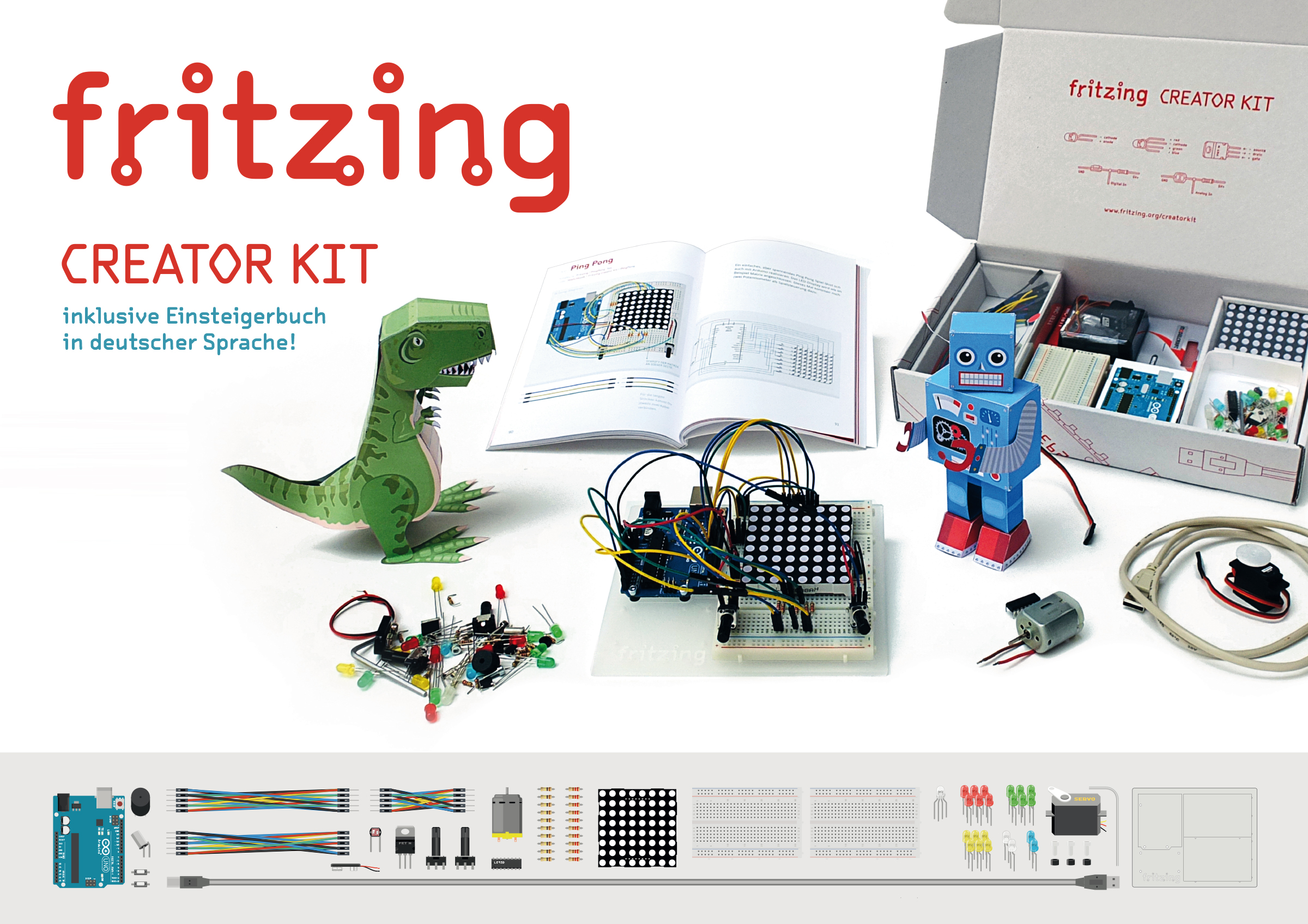
Wohoo! We are getting so much requests for the Fritzing Creator Kit in English! That’s so cool and for all you guys waiting for the release I can tell you that it will be late September.
Please be patient. Good news for people from the Land of Champagne: The new Fritzing Creator Kit will be released in French, too! Same promise: late September :)
We had the chance and pleasure of participating in the first MakerFaire in Germany last weekend in Hannover. It was a great chance to meet many of our users who don’t live in Berlin, also many old friends, and we also made some new friends.
We were also very excited to introduce and sell the first Fritzing Creator Kits at the MakerFaire and notice how people positively welcomed, even though there were many other kits for sale.
Below are some photos and impressions of the weekend:
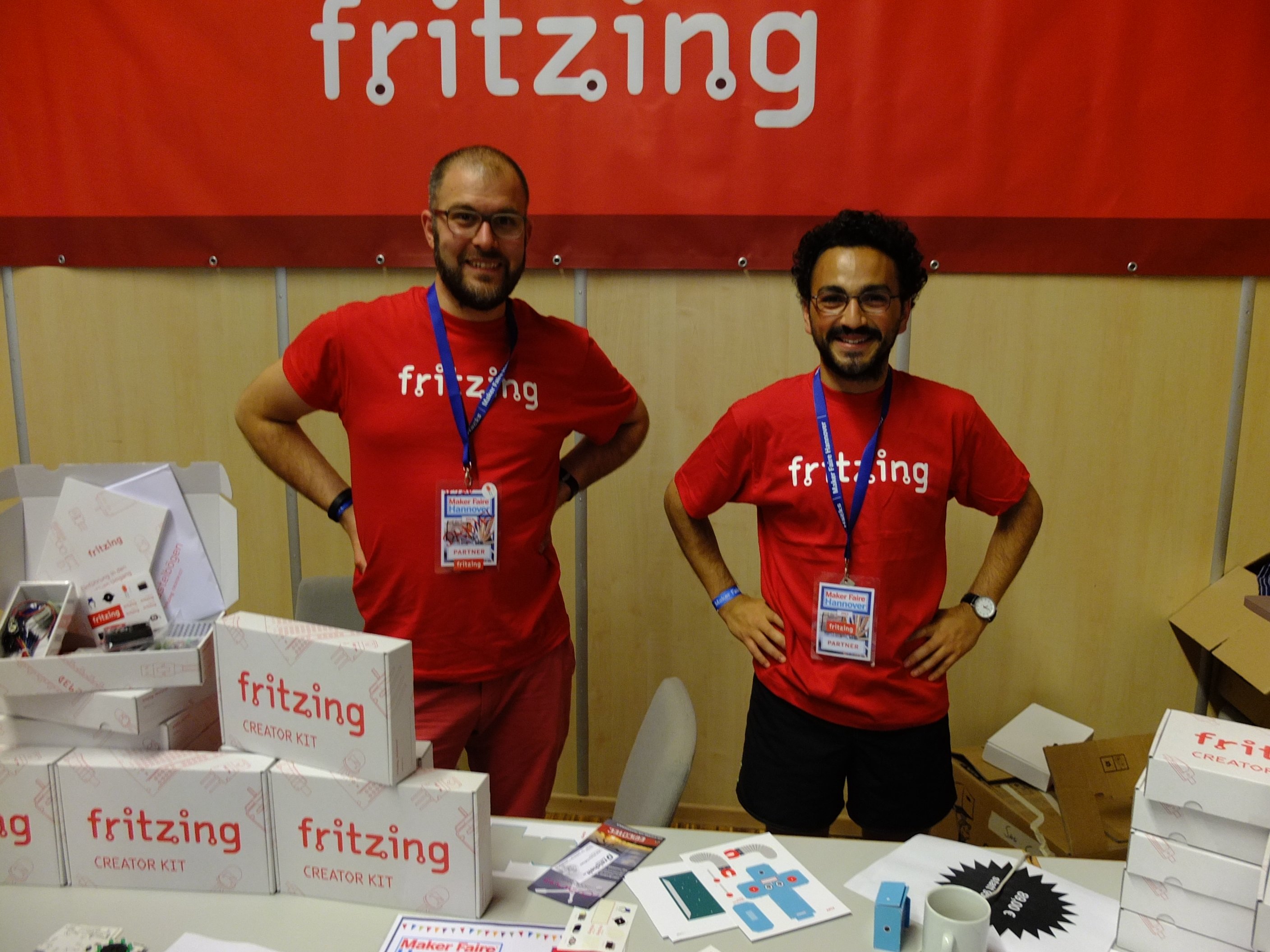
Daniel and me behind the stand in our brand new kickass Fritzing t-shirts (notice the new logo).
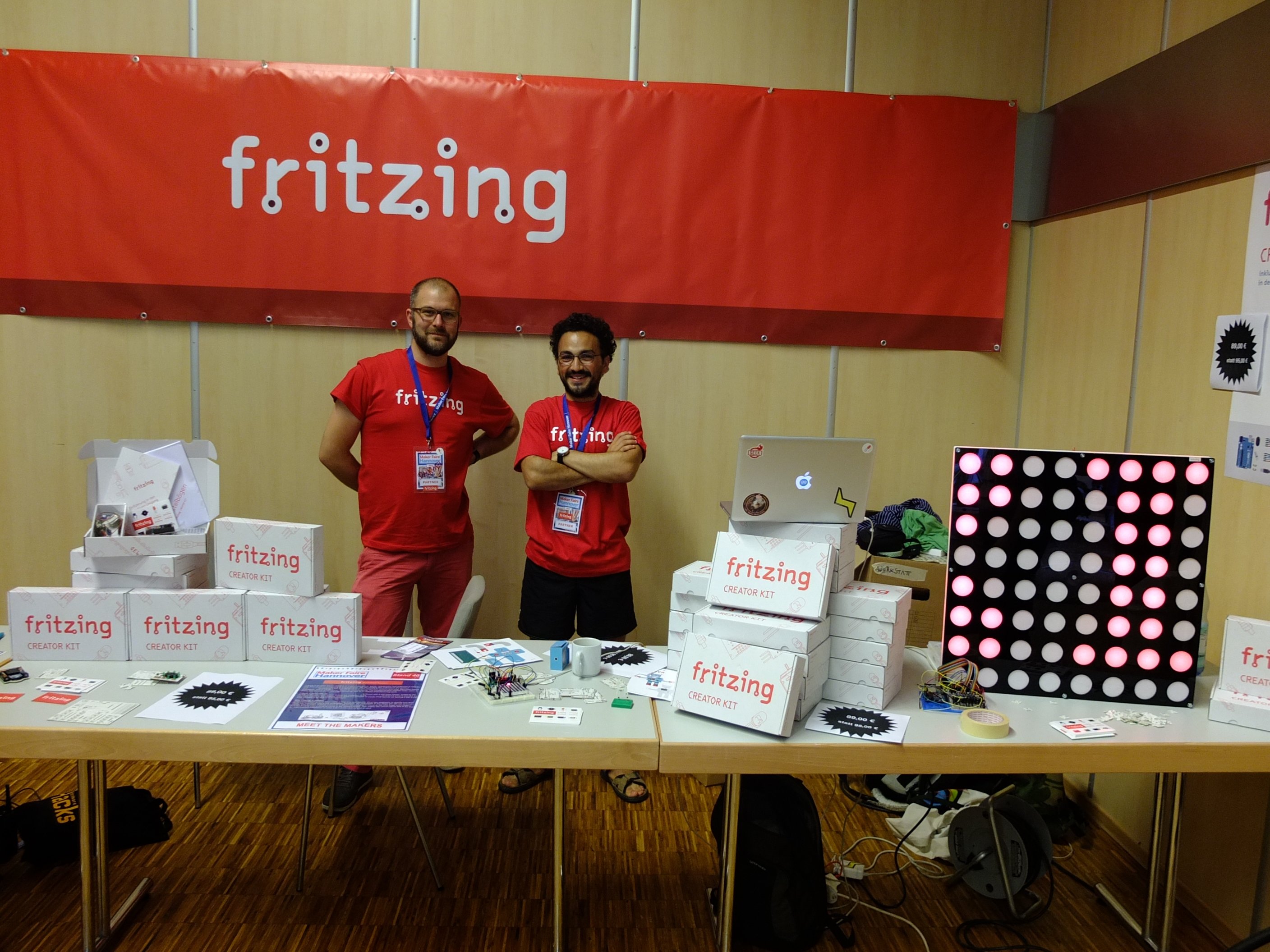
Another angle including our homemade monster LED Matrix. - boy do we look proud :D -
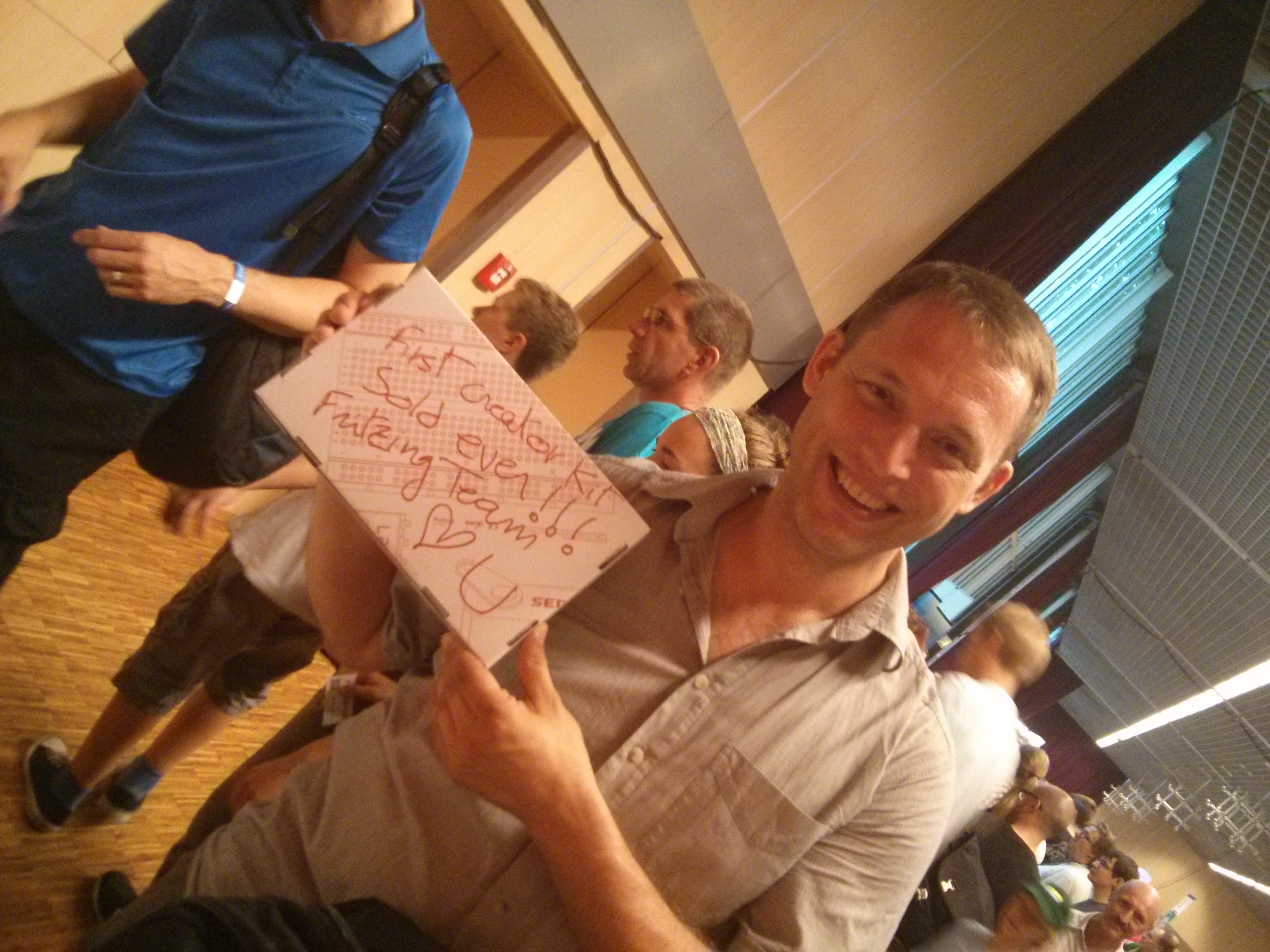
Here is the first ever proud owner of the Creator kit. -he got a very special loving autograph- 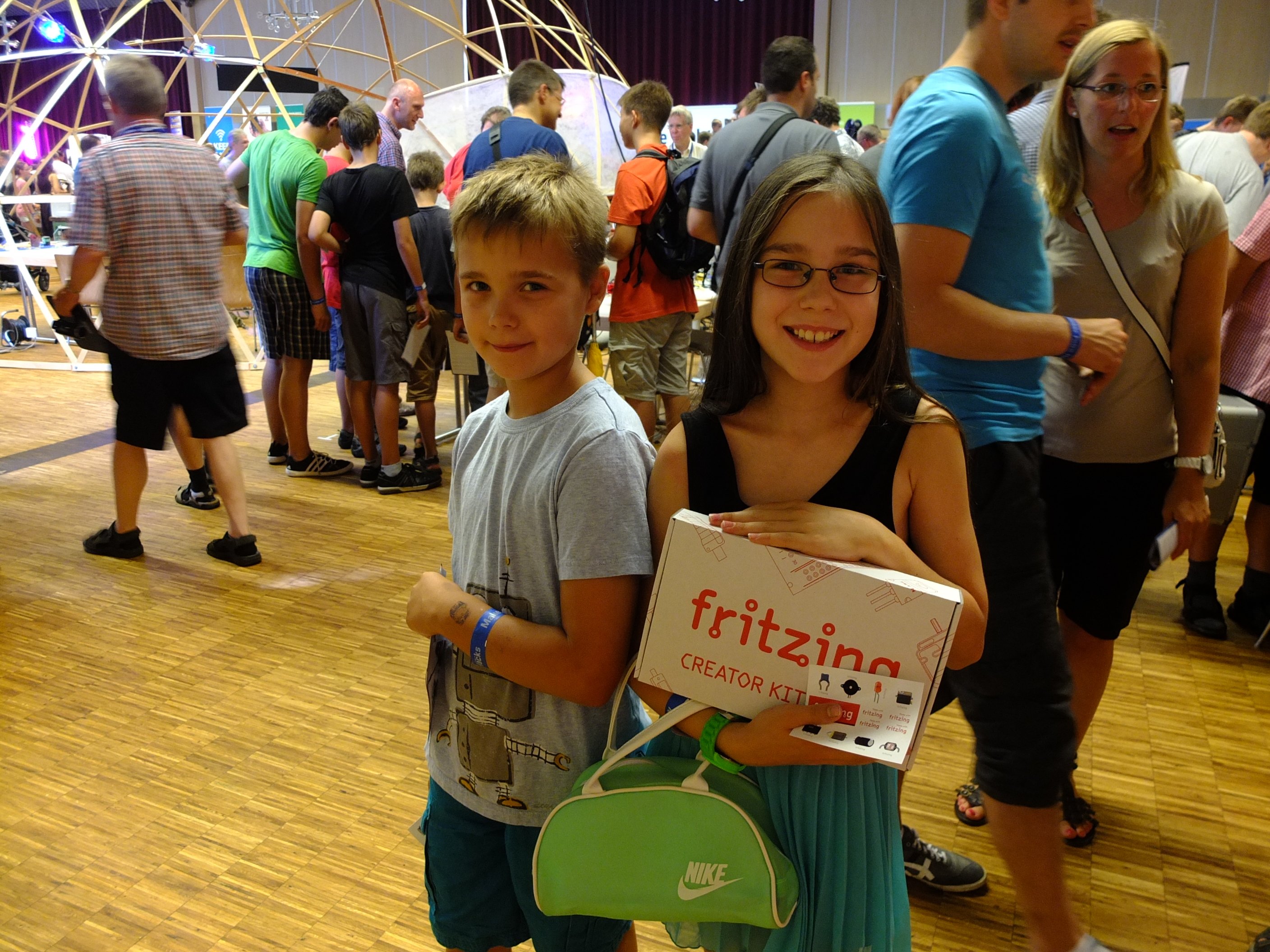 This one sale is very special to me: the older sister promised me that she would show her little brother how to “play” with Roboter and Dinosaurier. She’s a little ladyada!
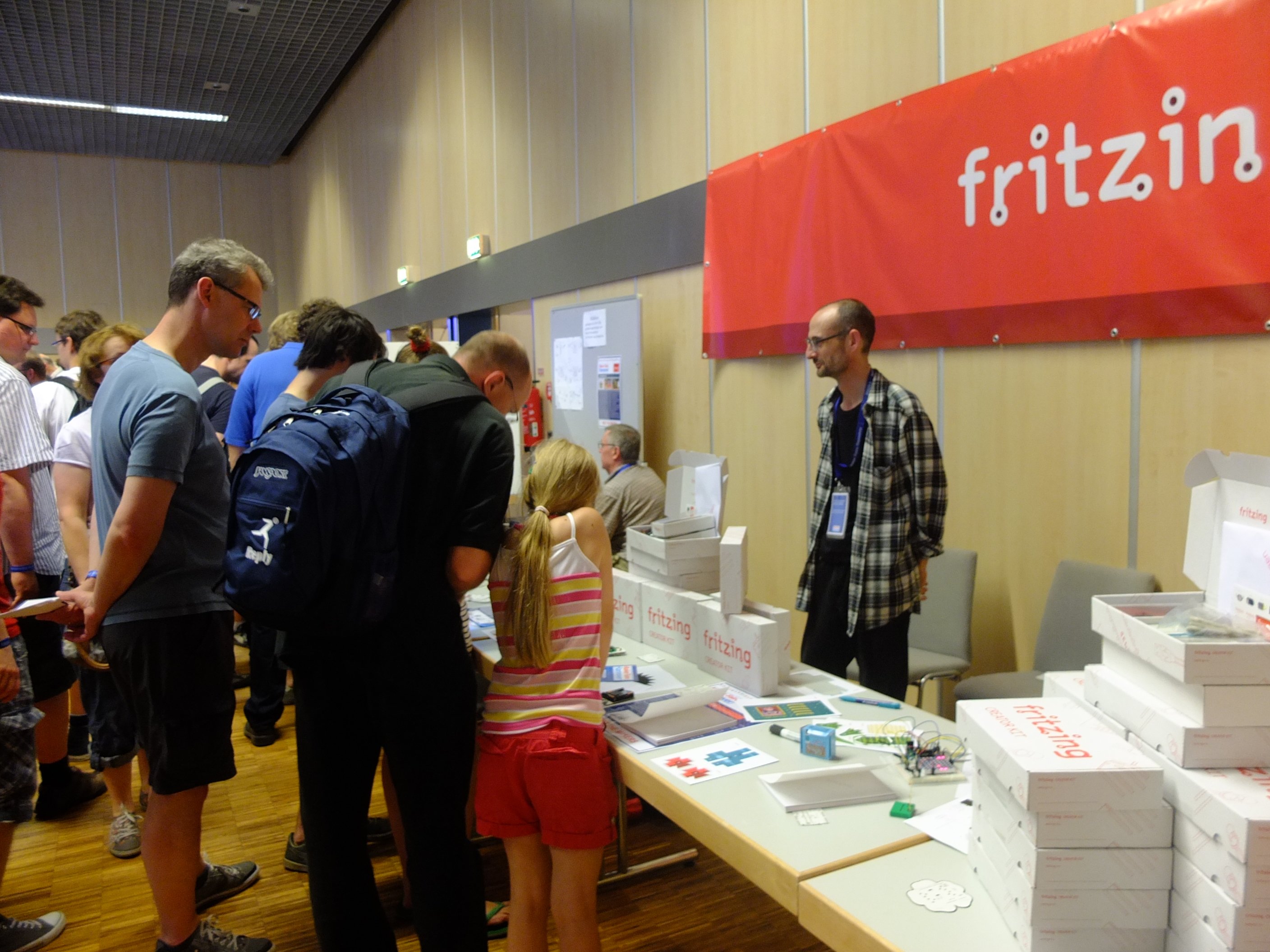 It was really sweet to see this teenager explain to her father what Arduino is and what’s possible to do with it.
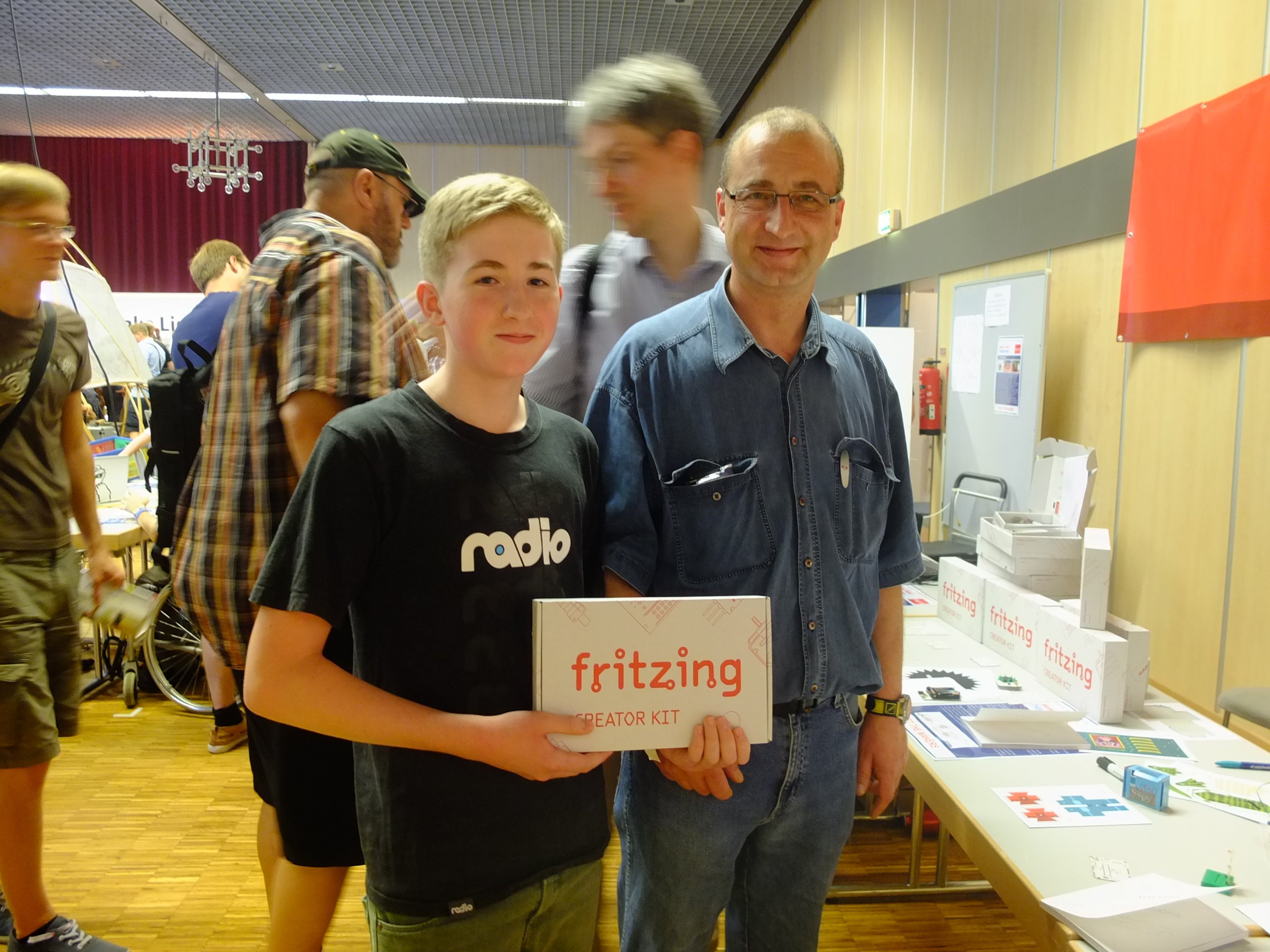
Father and son also bought this kit for the rainy weekends.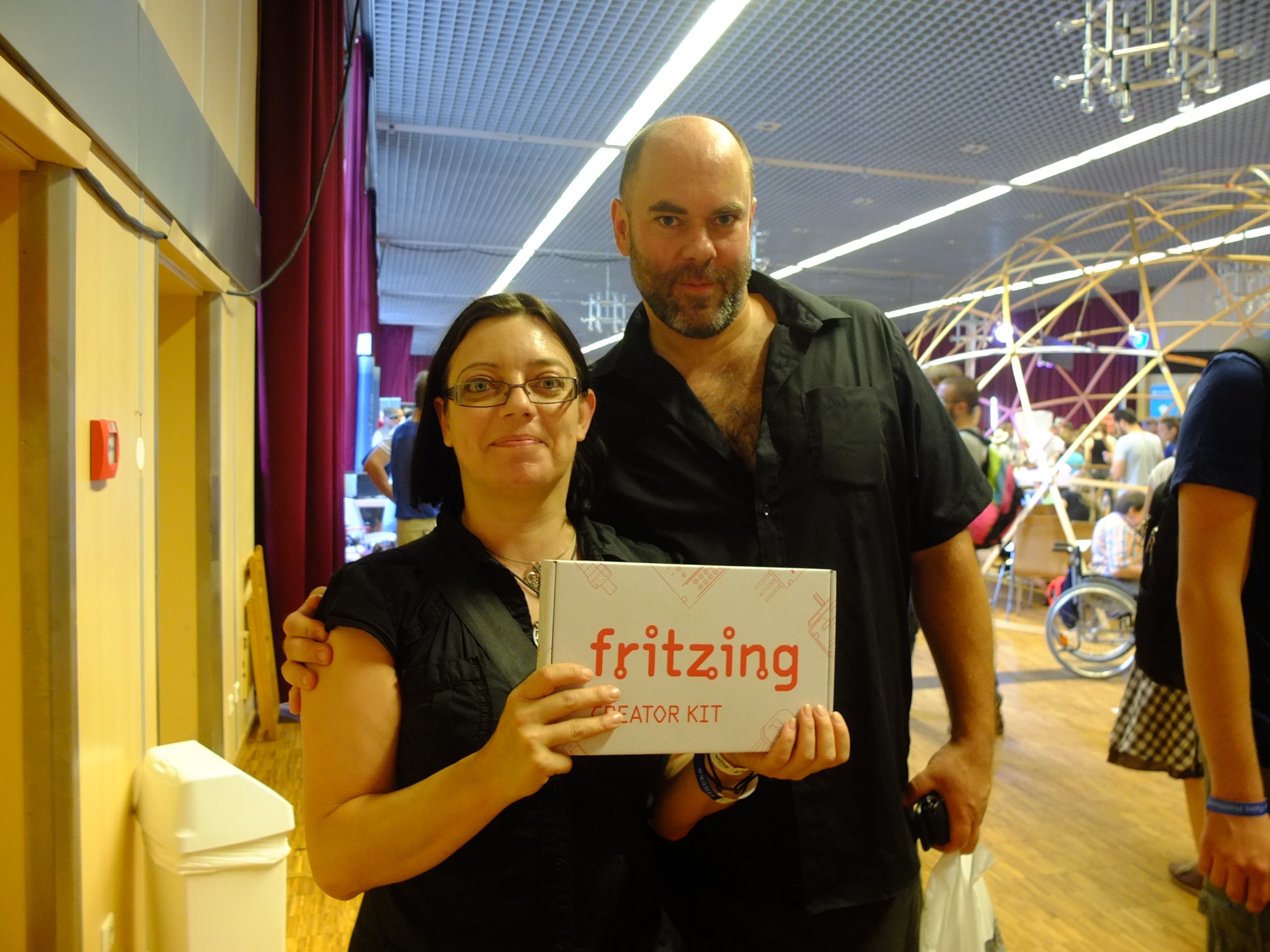
And this couple too. They said they were both curious about electronics and that they will explore this field together following the book.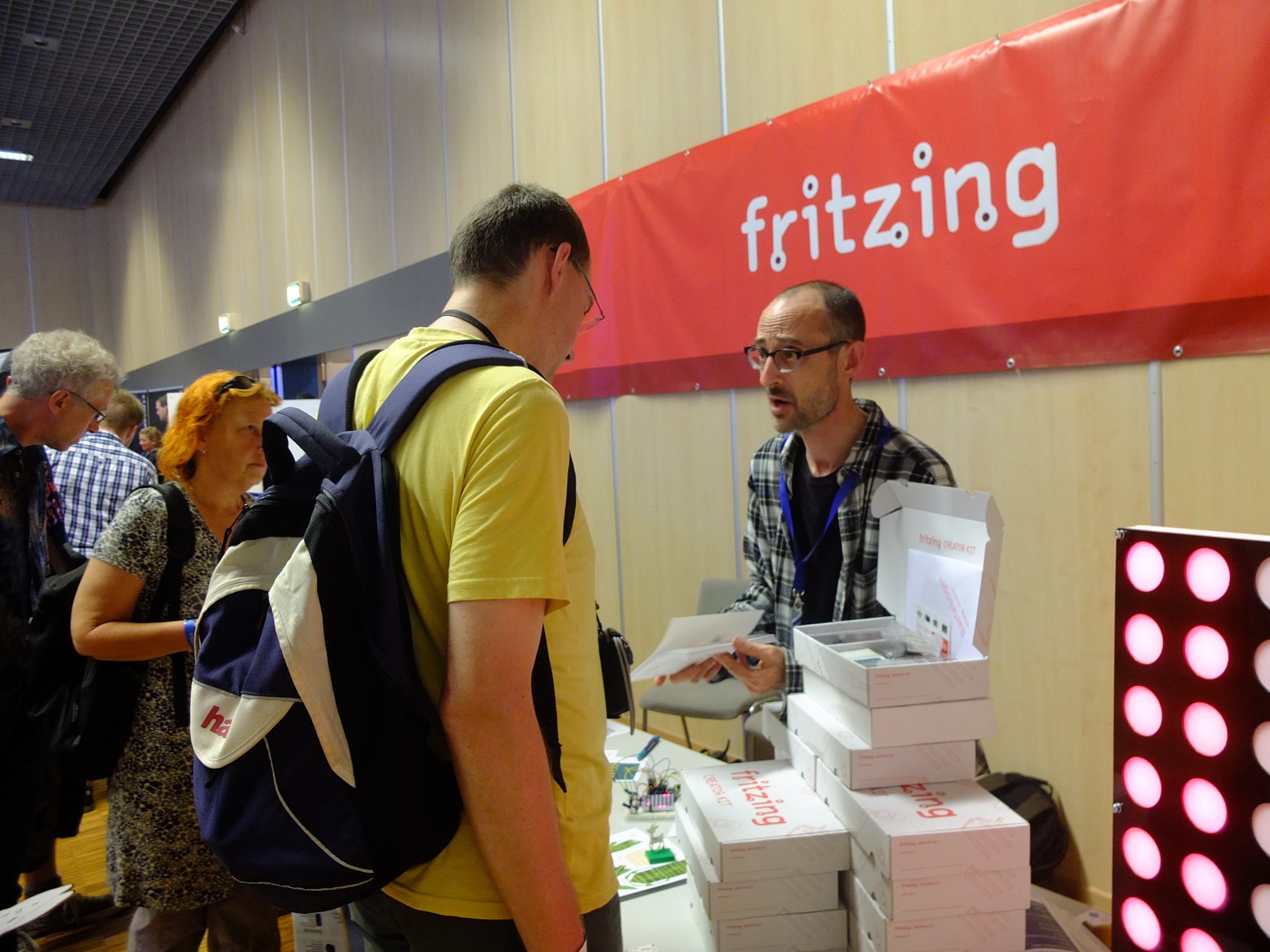 Jonathan, our senior developer was very glad to meet Fritzing users and eager to explain to them the individual projects you can build with the creator kit.
It was a great event, we will do it again every possible time!
PS: if you were there and you took nice photos of us, please send them to our email address or post them on the forum, and thank you we love you too.
We got many great submissions for our goodie contest through the projects gallery and via mail, and it is now time to announce the finalists. The overarching theme this time was definitely “sound”, which makes a lot of sense when you want to build something entertaining that has to fit into a small space.
Thanks to all participants, and special applause to finalists Zack Freedman, toylab, and Michael Franz for sharing their creations!
We will now produce these three gizmos with the current round of Fritzing Fab, and next week we will announce the winner!
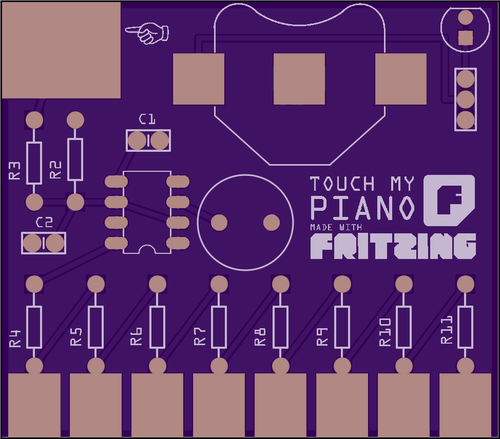
Touch my piano by Zack Freedman, based on Jay Silver’s famous Drawdio, is, well, a cute little piano that generates sound with a 555 timer to a buzzer simply by touching the metal plates or attaching other things to it.
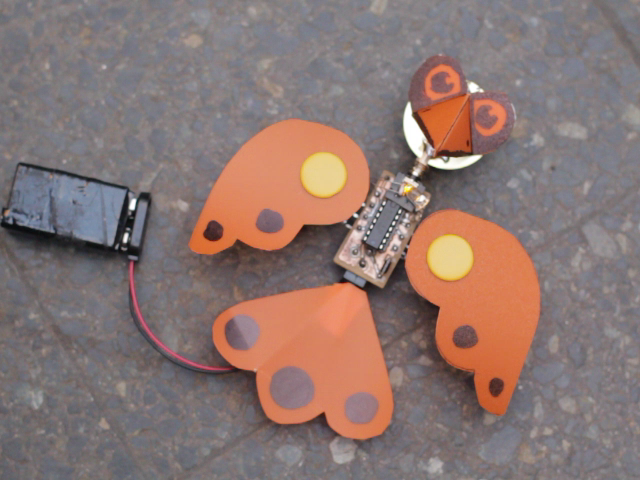
Calandria MkII by toylab is a funky little bird that generates quite convincing chirping sounds by twisting its wings. Check out the video!

Fritzing Amplifier by Michael Johannes Franz is a convenient little audio amplifier for playing your generated sounds into a proper speaker, instead of being stuck with those piezo buzzers.
Viele haben es ja schon auf der Make: Hannover gesehen, unser neues Kit ist da!
Seit vielen Jahren verkaufen wir das Fritzing StarterKit mit Arduino, in unzähligen Workshops haben wir das Grundwissen für den Einstieg in die kreative Elektronik vermittelt – aus diesen Erfahrungen wollten wir ein umfangreiches und gleichzeitig leicht verständliches System entwickeln.
Heute stellen wir Euch voller Freude das Fritzing Creator Kit vor.
Abbildung ähnlich
Das Fritzing Creator Kit soll natürlich nicht nur schön aussehen, sondern allen unseren Ansprüchen als Designer gerecht werden. So ist die Box ausgiebig getestet und bietet genügend Platz, einen Elektronikaufbau sicher zu verstauen. Die Teileboxen mit transparenten Deckeln zeigen ihren Inhalt und sorgen gleichzeitig für Ordnung. Ein Booklet vermittelt das gesamte Grundwissen auf gerade mal 120 Seiten – viele praktische Beispiele lockern die Theorie auf.
Spielendes Lernen steht im Vordergrund! Die mitgelieferten Bastelbögen beinhalten einen Roboter, der seinen Kopf drehen kann, einen Wahrsager, der sich natürlich nie irrt (darauf geben wir aber keine Garantie :P ) und einen Dinosaurier, der einen Twitterstream auf neue Meldungen untersucht. Ein Ping-Pong Spiel auf einer großen LED Matrix sorgt für Unterhaltung.
Das Booklet zeigt darüber hinaus, wie man mit der kostenlosen Fritzing-Software (Download) eigene Platinen erstellt.
Hergestellt wird das Kit in Deutschland, genauer gesagt bei uns in Berlin-Kreuzberg. Fritzing-Nutzer haben uns bei der Entwicklung zu Seite gestanden und so ist ein Lernpaket entstanden, das den Einstieg in den kreativen Umgang mit Elektronik so leicht wie nie zu vor gestaltet.
Ich hoffe es gefällt euch und ich freue mich auf Feedback!
Kit im Shop: Fritzing Creator Kit
Liebe Grüße
Stefan Hermann
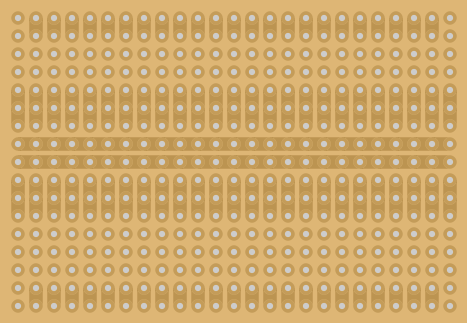
By popular demand, the RadioShack 276-150 stripboard has been added to release 0.8.1. However, you won’t find it as a separate part in the Parts Bin. To access it, drag-and-drop the regular stripboard part into your sketch, then find the ‘layouts’ drop-down in the Inspector and select the 276-150 option.
This may seem a little indirect, but here is the logic: our stripboard strips now run both horizontally and vertically (before they ran only horizontally). This means it’s now possible to cut/uncut strips into arrangements which we call layouts. The 276-150 is one of these layouts, but since we have had so many requests for it, we decided to “store” the layout with Fritzing so people don’t have to make it from scratch each time.
It would be easy to store other layouts with Fritzing. If you have a favorite stripboard layout that you think people would like to use, make the layout on a stripboard in a Fritzing sketch, and email the resulting file to info:at: fritzing :dot: org. In the email, tell us what part you’ve represented or why the layout is so useful. You may see that layout in a subsequent release of Fritzing.
Enjoy,
– Your Fritzing Team