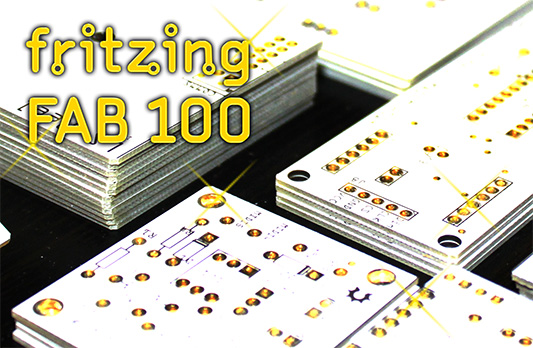
No, not a hundred years but next week, we will send the production number 100 to our factory. Thank you very much for your beautiful boards!
To celebrate it, all PCBs will be produced with gold plating.
Wikipedia: «Gold plating is often used in electronics, to provide a corrosion-resistant electrically conductive layer on copper, typically in electrical connectors and printed circuit boards.»
Yes and: It is beautiful! So if you want it, order until Tuesday morning (10 o’clock CET).
I’ve been lead programmer for the Fritzing application for 5 1/2 years and sole programmer for most of the last four. In that time I’ve closed more than a thousand issues; composed a couple thousand forum replies; pushed nearly 5000 commits; and cranked out more than 50 releases.
One can only run full-tilt for so long; it’s time for me to take a sabbatical. Before I go, I’d like to thank Reto and André for originating the project; Reto (and the government of Brandenburg) for the grants that gave the project such a strong start; and my past and present colleagues for putting so much of themselves into the work–the list is too long to display them all.
Finally, I’d like to thank the everyone in the Fritzing community for your enthusiastic (and early) adoption of our continual work-in-progress, and for your great patience with what has effectively been a distributed QA software releasing methodology. If I could, I’d buy you all a beer.
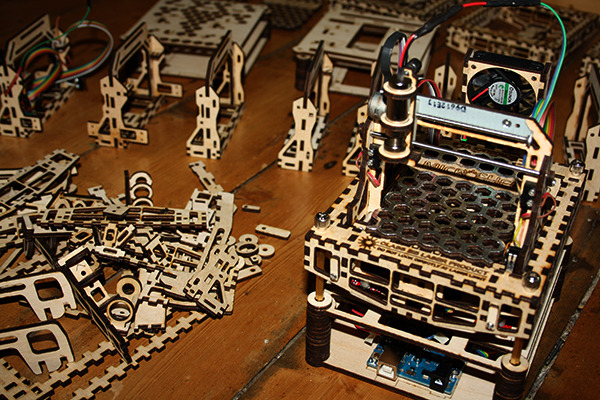
The MicroSlice is a DIY-at-home mini laser cutter & engraver and right now up for backing on Kickstarter. It is able to cut paper and engrave wood & plastics on a working area of 5 cm x 5 cm.
The MicroSlice works with an Arduino UNO, which is included in the full kit together with all the other necessary parts. The software is open source and free to use for personal usage.
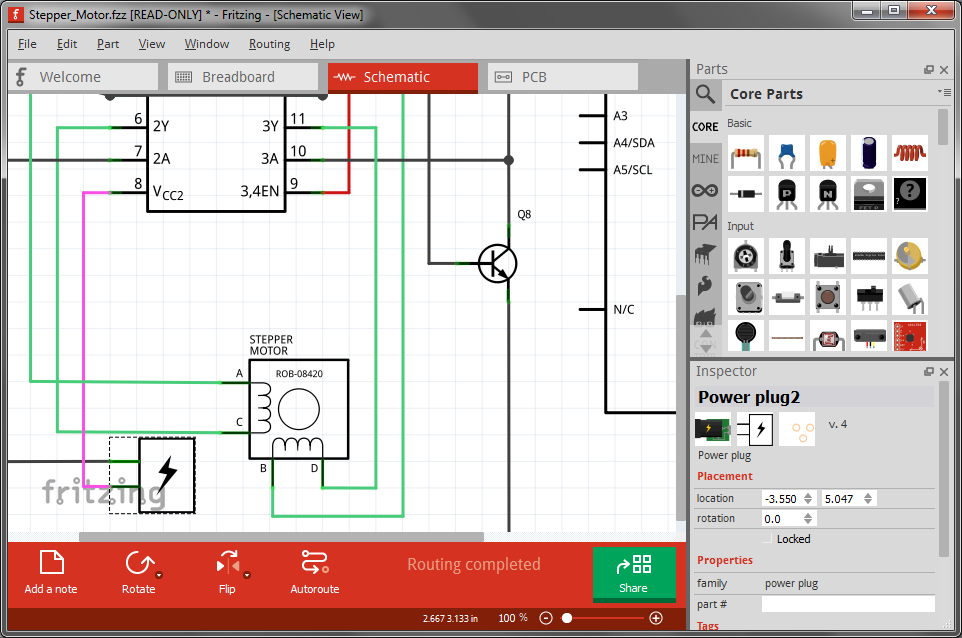
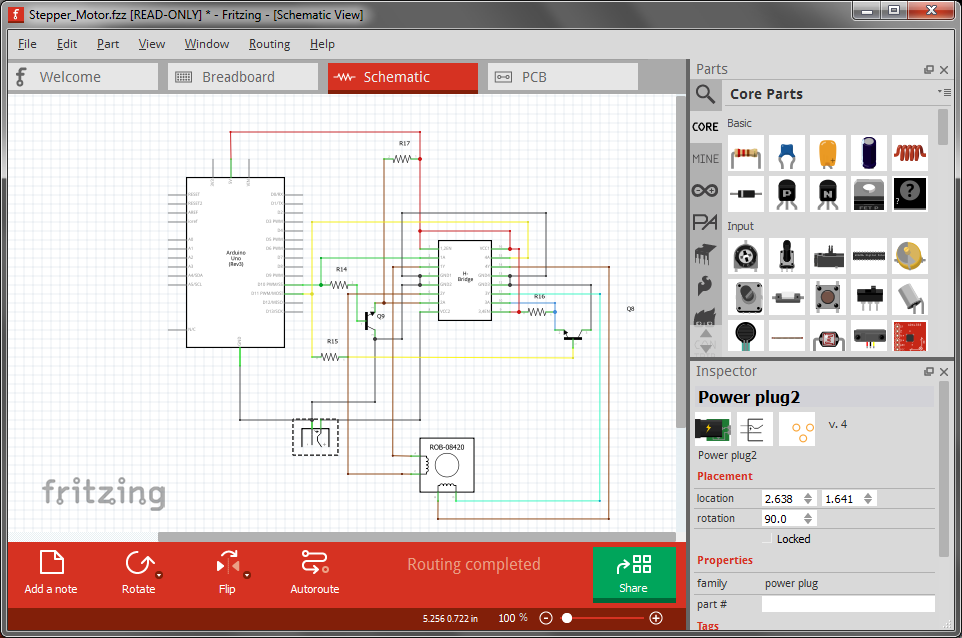
We just released Fritzing 0.8.6. Aside from some bug fixes and a few new features, it mostly addresses schematic view. To display the changes, here are two images of the stepper motor example. The first is from 0.8.5 and the second is from 0.8.6. They are both zoomed to 100%.
0.8.50.8.6
The most obvious change is that the grid size has gone from 7.5 mm to 0.1 inches. This will save some trees when you print. It also means we are using the same grid across all three views. But more important than the particular grid size is that all parts that ship with Fritzing now conform to it. This means that schematic diagrams will look much neater. In the past, there were a couple of competing standards (plus a few oddballs), so schematic diagrams tended to be pretty ragged.
In addition we have revised a number of schematic part images to bring them more in line with general usage.
So what happens if you load an existing sketch into 0.8.6? If you didn’t draw any wires in schematic view, Fritzing assumes you are not particularly invested in the current state of that view, and will use the new standard. But if there are schematic wires, Fritzing will give you a choice: open the sketch read-only and see the original schematic, or convert to the new standard.
The conversion process will change parts, but beyond some adjustment for the new part sizes, the wires will not be rerouted. So you will probably have some straightening out to do. Custom schematic images are not converted. I would suggest you use the Parts Editor to give the custom part a new schematic image. To assist you with this, if you switch to schematic view in the Parts Editor, under the File menu there is a Convert schematic to 0.1 grid option. This option will generate a standard rectangle-form schematic based on the existing part.